













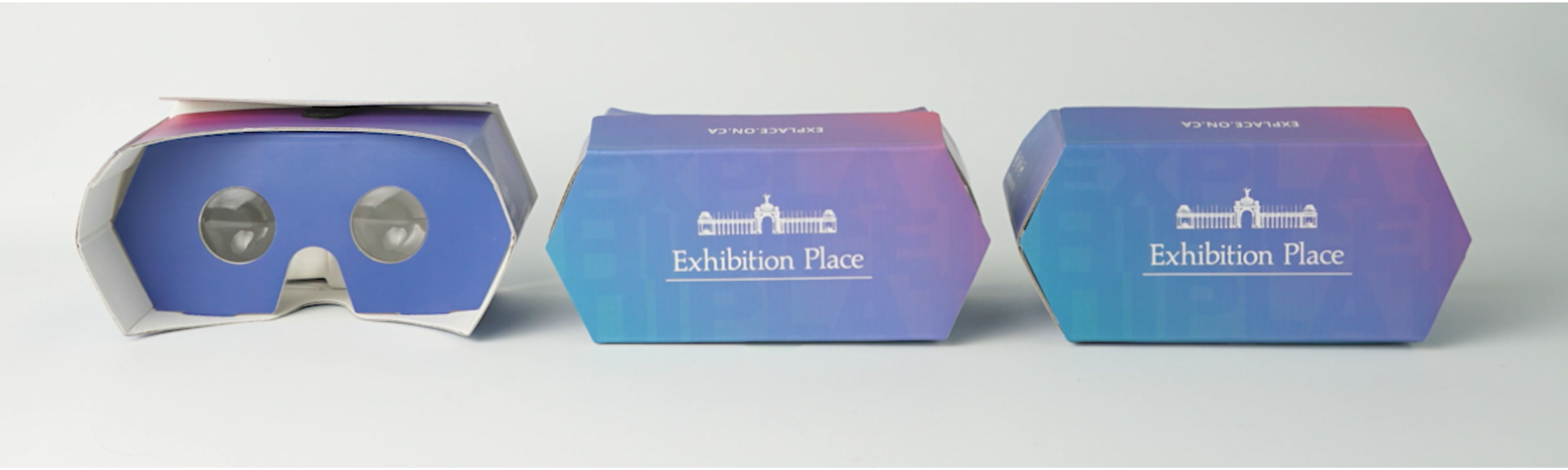
Build your own VR Viewer to tour the Beanfield Centre in Virtual Reality!
Five easy steps to build your Virtual Reality Viewer:
1) Remove your VR viewer from the sleeve and set it aside for safekeeping.
2) Pop up the side with the Exhibition Place Logo popping the viewer into an oval shape.
3) Gently push the lens mask into the tabs at the base of the VR unit – careful not to touch the lenses.
4) Push and fold the nose column into the tab at the base of the unit.
5) Use this link and insert your phone and enter the tour.
Need assistance troubleshooting? Check out this page.
